
Remote control pairing flow: what actually decides whether a device joins the network
Published 2026-11-26 · 5 min read
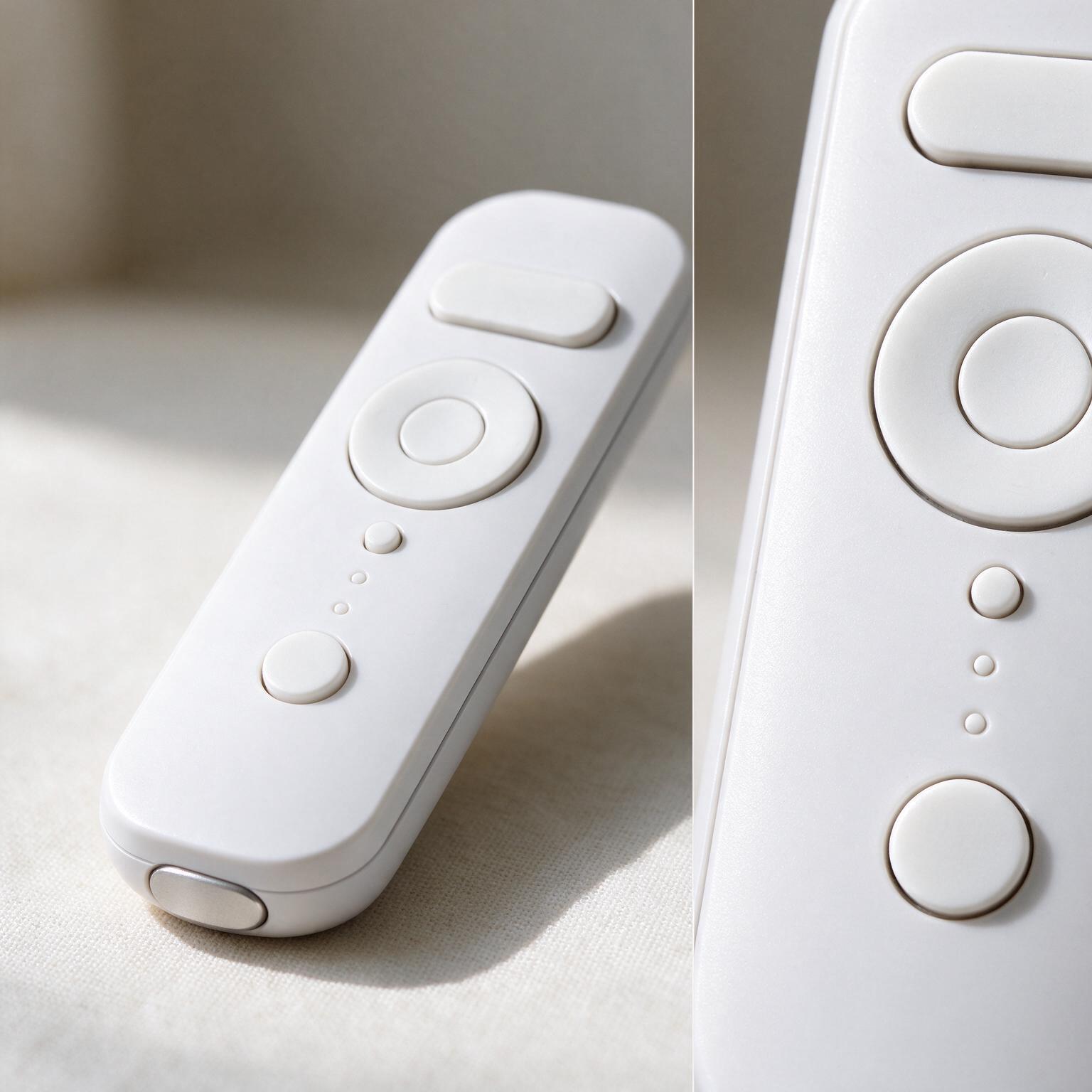
Nail down the credential model before anyone opens a box
Almost every pairing problem I've been called out to — hotel corridors, multi-site rollouts, the lot — comes back to a question that got answered far too late: where does the credential actually live? Put it on the remote and the remote is the identity, so a lost remote is a lost device. Put it on the hub and the remote becomes a dumb token, while the hub turns into a single point of failure. Get this wrong and no amount of firmware patching will rescue the install.
For a hotel group swapping remotes across a property, hub-held credentials usually win — and the reason is operational, not technical. Housekeeping changes a remote, the new one joins inside the window, and the room keeps its identity without a soul touching a config file. For a brand owner shipping a consumer product, it often tips the other way: remote-held credentials, because the thing has to work straight out of the box with no gateway in sight. Neither answer is universally right. What matters is that you write the choice down before the first unit is flashed.
Skip that step and the bill arrives at scale. Take a 300-room property. If every room needs a manual re-bind after each hub firmware update, that's a technician walking 300 doors. Two minutes a door plus travel and you've burned a day of labour per update cycle. With the credential sitting on the remote, the same update touches the hub once. The price you pay is that a stolen remote is a working credential until someone revokes it — so the revocation path has to be designed in from day one, not bolted on later.
Write the decision as one sentence with a named owner. Something like: "The hub holds the room credential; the remote is a bearer token; revocation is triggered from the property management console." If that sentence won't come out, you're not ready to start.
Map the remote control pairing flow end to end on a single page

Draw the states before you write any code. A working pairing flow has a finite set of them, and every transition carries a trigger, a timeout and an outcome. If the diagram won't fit on one A4 sheet, it's too complex for a technician to reason about at 2 a.m.
For a hub-held model, here's the state list I'd expect:
- Idle — hub listening, no join in progress. Discovery beacon broadcast at a fixed interval.
- Discovery — remote powered on, scanning for a hub. This state needs a hard timeout, typically 30 to 60 seconds.
- Join request — remote sends its identifier and a nonce. Hub validates against an allow-list or a provisioning code.
- Key exchange — credential handed to the remote over the link. The only state where a passive eavesdropper matters.
- Bound — remote holds the credential, hub has recorded the remote's identifier. Both sides agree.
- Bound but unconfirmed — the failure state nobody draws. The hub thinks the remote joined; the remote thinks it timed out. Most field callouts start here.
Draw all six, the last one included. Then annotate each transition with a timeout value and a retry count. A remote that retries a join request forever will flatten its battery and flood the hub's connection table. Two or three retries with a fixed back-off is usually plenty; go beyond that and you're just masking a real failure.
The one-page rule isn't cosmetic. Technicians carry a phone, not a laptop. If the flow can't be explained in a single diagram, fault-finding turns into guesswork. I've seen installs where the technician's workaround was to power-cycle both devices until they agreed with each other. That works — right up until it doesn't.
Set the pairing window before the first install
The pairing window is the period during which a hub will accept a new join. Two settings have to be decided upfront: the discovery timeout and the retry budget. Get either wrong and you end up with a flow that fails on slow hardware, or a hub that's permanently open to joins.
For discovery timeout, 30 seconds is a reasonable floor for a battery-powered remote waking from sleep. Some radios need 2 to 3 seconds just to stabilise the oscillator and start scanning. Drop below 10 seconds and you'll get intermittent failures on cold units that behave perfectly on a bench. Push past 90 seconds and the user has wandered off before pairing completes. A 45-second window with a visible indicator is a workable compromise.
The retry budget is how many join attempts the remote makes before it gives up and returns to idle. Three is a sensible default. Space each attempt with a back-off that grows, so the hub's connection table isn't hammered by 200 remotes retrying in lockstep after a power cut. Set the budget to one and a single dropped packet during key exchange throws the whole flow back to the start; the user presses the button again. Set it to ten and a genuinely mismatched credential keeps a remote trying for minutes, which to the user looks like a broken device.
Record both values on the installation sheet. "Discovery timeout: 45 s. Retry budget: 3. Back-off: 5 s, 15 s, 30 s." A technician who knows those numbers can tell within a minute whether a unit is behaving normally or stuck in a loop.
Run the join sequence: three ordered checks, each pass or fail in under 90 seconds
With the window set, the technician needs an ordered sequence where every check ends in a clear outcome. On a working unit the whole thing should finish in under 90 seconds. If it doesn't, that's a fail signal in its own right — pull the unit, don't retry it.
- Power and radio check. Confirm the remote is powered, the indicator is showing, and the hub is advertising. Pass: the remote's scan log shows at least one hub identifier within 30 seconds. Fail: no identifier at all, which points at radio, power or a hub that's out of range.
- Join and key exchange. Trigger the join and watch the indicator through key exchange. Pass: the indicator moves from scanning to bound within 45 seconds, and the hub console shows the remote identifier as bound. Fail: the remote returns to idle without reaching bound — an allow-list mismatch or a failed key exchange.
- Post-bind handshake. Send one command from the remote and confirm the hub acknowledges it. Pass: the console logs both the command and the acknowledgement within 5 seconds. Fail: bound state exists but no acknowledgement — that's the "bound but unconfirmed" state from the map.
Every check is binary. Don't let anyone record "mostly worked". The point of the sequence is that a fail at step 2 rules out everything downstream and points at the credential rather than the network. That saves a callout, because a credential problem is fixed at the hub and a network problem is fixed in the room.
Print the sequence on a card. A technician who has to remember the order under pressure will skip steps — and step 3 is the one that gets skipped most, because the indicator already looks green.
Confirm it's on the network, not just paired
Paired is not the same as reachable. A remote can hold a valid credential and still fail to reach the hub: RF interference, a dead repeater, a hub connection table that's full. Whatever verification signal you use has to test the path, not the credential.
I'd go with the round-trip acknowledgement rate over a fixed burst. The technician sends 20 commands from the remote at roughly one per second and counts the acknowledgements. Set the threshold at 19 of 20. That tolerates one dropped packet on a noisy link without failing a unit that's fundamentally healthy. Anything below 19 is a fail.
It's measurable, and it separates the two failure classes. A unit that passes the join sequence but fails the burst has a path problem — look at RF, distance, repeater placement. A unit that fails the burst while sitting next to the hub has a firmware or table problem. The 19-of-20 signal is not a certification and it's not a guarantee. It's a screening test that catches the common cases before the room is handed over.
Put the number in the room log. A property with 19 of 20 in room 412 and 15 of 20 in room 413 now has a documented reason to re-check the repeater on that corridor. Without the number, both rooms just look "done".
Where the pairing flow breaks on site
Five failure modes account for most callouts. None is exotic, and all of them are visible to a technician who knows what to look for.
- Split brain at the bound-but-unconfirmed state. The hub believes the join succeeded; the remote timed out and went back to idle. On the ground the technician sees a console entry saying bound and a remote doing nothing. Fix it with an explicit confirm step and a hub-side expiry that drops unconfirmed entries once the discovery timeout lapses.
- Stale credential during replacement. An old remote is swapped for a new one and the hub refuses the join because the old identifier still holds the slot. The technician sees a join failing at key exchange for no obvious reason. The fix is a revocation path runnable from the console — not one that needs a factory reset.
- Retry storm after a power cut. The building loses power, 300 remotes come back and retry in lockstep. The hub's connection table fills and legitimate joins fail. Some rooms succeed intermittently, others fail completely, which looks like faulty hardware. The staggered back-off you set at design time is what prevents this.
- Range cliff at the corridor edge. Pairing succeeds in the room and fails in the bathroom. The technician sees a unit that "works sometimes". Fix: run the burst test at the far corner of the room, not in the doorway.
- Firmware mismatch between hub and remote. The credential exchange succeeds but the post-bind handshake fails because the two sides disagree on command format. The technician sees a bound remote logging commands the hub never receives. Fix: a version check before the join is allowed.
The pattern across all five is the same. The visible symptom points at the device; the actual cause sits in the flow design. A technician armed only with the symptom will swap hardware, which fixes nothing and burns a unit.
Close-out: the 24-hour recheck
A pairing that passes on the bench and fails the next morning is the most expensive kind, because the room has already been handed over. The answer is a scheduled recheck 24 hours after install, before the room goes back to guests.
The recheck is the same 20-command burst, still 19 of 20 acknowledgements, and the room also has to show its bound state intact in the console. If either fails, the room goes back to the technician with the original log attached. This is what catches the slow failures: a repeater that browns out overnight, a credential that expires, a hub table that overflows once the full property is live.
Twenty-four hours is a judgement call, not a standard. Long enough to catch a nightly cycle, short enough to keep a room out of inventory for one night rather than three. If the property has a maintenance window at 03:00, schedule the recheck just after it. Pass, and you close the room. Fail, and you have the log, the burst count and a specific room number — a far better starting point than a guest complaint.
Questions on the pairing flow or the credential model for a specific deployment? The team at Serow Controls replies within one working day at peter.sun@serow-tech.com.
More from the newsroom
Keep reading.
Three other notes from the same team.
Start a project
Send the control target, not a catalogue request.
Tell us what the remote has to control, which radio the installed base uses, and where it ships. We will reply with the questions that decide the architecture.