
IR learning remote control: how to capture and verify codes that actually work
Published 2026-11-19 · 5 min read
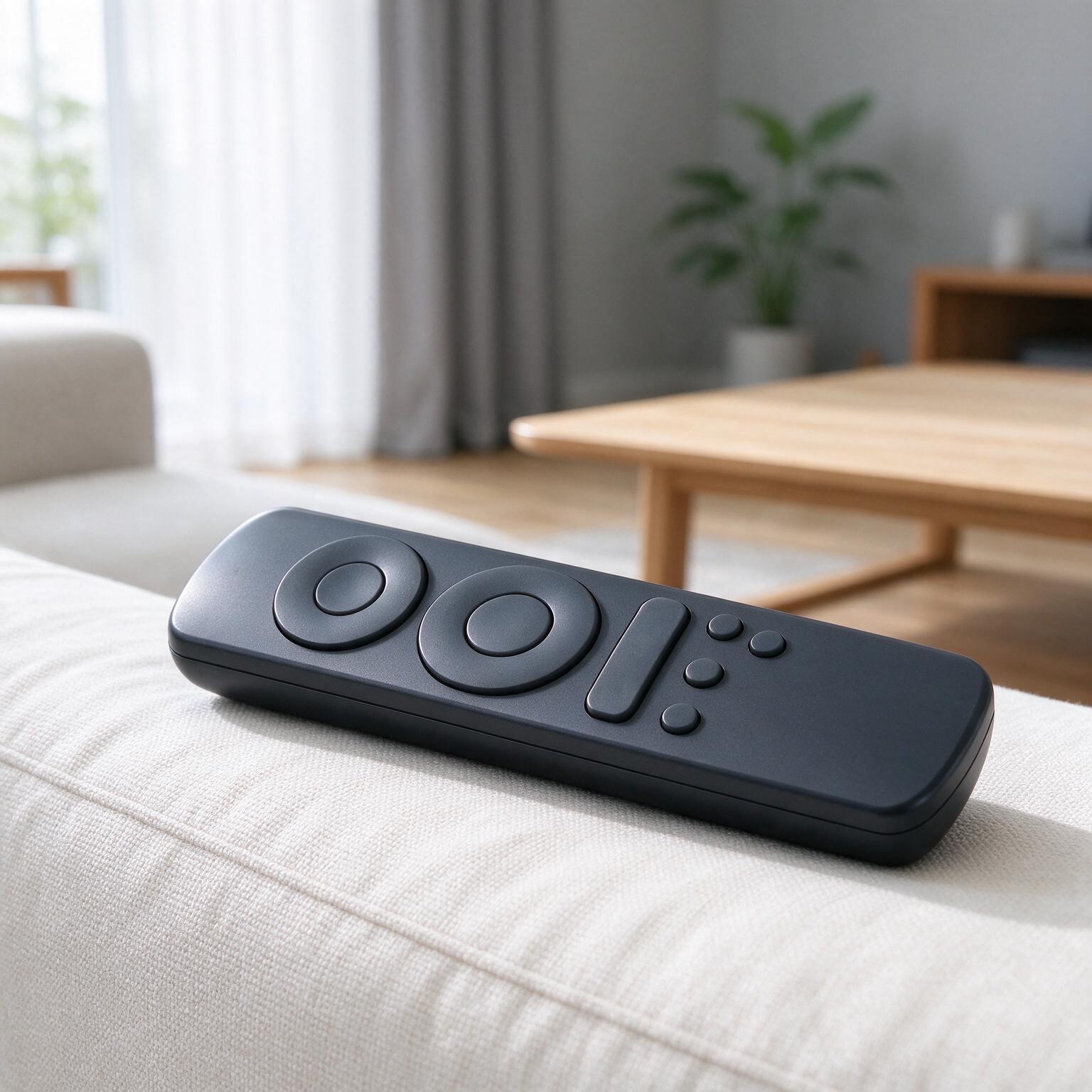
Thirty-eight kilohertz or forty? Get this wrong and your IR learning remote control will talk to the television in the room but not to the air-conditioner handset sitting next to it. Most Sony consumer handsets run at 40 kHz. Plenty of air-conditioner brands sold in Asia use 38 kHz. A few use 36 kHz. A receiver module tuned to 38 kHz will still respond to a 40 kHz burst, but the usable range shrinks and the module gets worse at rejecting daylight and fluorescent flicker. Capture the wrong carrier and every step after it inherits the mistake.
Fix the carrier and protocol decision before you capture anything
Learning a code is easy. Learning it into a product that has to work across a hotel estate — that is a decision problem, not a capture problem. Before anyone presses a button in front of a photodiode, settle two things: which carrier frequencies the device must accept, and which protocols it must decode natively rather than storing as a raw burst.
Carrier matters because the receiver's band-pass filter is fixed at manufacture. A 38 kHz part peaks near 38 kHz and rolls off either side. Fit a 38 kHz receiver and a 40 kHz handset still works at close range — you lose a few decibels — but the margin you had at three metres becomes one metre. If a guest is meant to point the remote from a sofa, that margin is the product.
Protocol matters because raw capture stores a waveform and knows nothing about what it means. NEC, RC-5, RC-6, Sony SIRC and the longer air-conditioner frames all have defined structure: leader marks, bit encoding, repeat behaviour. A device that decodes natively can re-send a clean frame every time. A device that only stores raw bursts re-sends whatever it heard, noise included.
Write the decision down before the first capture session. A workable specification looks like this:
- Accepted carrier range: state it in kHz, with the receiver part number that achieves it.
- Natively decoded protocols: list them. Anything outside the list falls back to raw storage.
- Maximum frame length in milliseconds: air-conditioner state frames routinely run past 100 ms and some exceed 200 ms.
- Repeat behaviour: whether a held button sends a repeat code or re-sends the full frame.
Pass/fail criterion: the specification names a receiver part, a carrier tolerance in kHz, and a frame-length ceiling. If any of the three is blank, stop. You are not ready to capture.
Put the source remote and the learning head in a fixed, measured position
Handheld capture is where most bad codes are born. Someone holds the donor remote a few centimetres from the receiver, waves it slightly, and the stored waveform picks up reflections and amplitude wobble. Do it on a bench instead, with both items clamped.
- Clamp the donor remote so its emitter faces the receiver directly, on the same axis. A 5 mm lateral offset is enough to change the received amplitude noticeably.
- Set the distance. Start at 100 mm and stay there for the whole capture run. Closer is not better — at 20 mm the receiver front end can saturate and clip the waveform.
- Block ambient light. Direct sunlight and inverter-driven fluorescent tubes both emit in the near-infrared. A simple cardboard shroud around the receiver is enough for bench work.
- Power the donor remote from fresh cells. A weak battery shortens the burst and skews the mark-to-space ratio; you will capture a code that no healthy remote would ever send.
- Record the position in your notes: distance, axis, shroud, supply voltage. If a capture later fails the replay test, you need to know what changed.
At 100 mm with a shroud and fresh cells, the received burst should sit comfortably inside the receiver's linear range — strong enough to trigger, not so strong that the output stays low through the gaps. If your capture tool reports edge timings, a clean NEC frame shows marks and spaces that repeat to within a few tens of microseconds. If they scatter by hundreds of microseconds, move the donor back or shield it better.
Pass/fail criterion: three consecutive captures of the same button, taken from the clamped position, produce frame timings that agree within the tolerance your decoder accepts. If they do not agree, the setup is wrong, not the code.
Capture raw first, decode second, and check the frame length
Raw capture is the honest record. It stores the actual mark and space durations the receiver saw, with no assumptions about protocol. Decode afterwards, from that record, so you can compare what the decoder thinks it found against what actually arrived.
Run them in that order for a reason. If you decode live, a decoder that misidentifies a protocol will still emit a plausible-looking frame, and you will never see the discrepancy. Capture raw first and the frame length is right there in the data.
Frame length is the cheapest sanity check you have. A NEC frame runs roughly 67.5 ms per transmission. A twelve-bit Sony SIRC frame runs about 45 ms. Air-conditioner state frames are the outliers — many exceed 100 ms because they carry mode, temperature, fan speed and swing in one packet. Capture a 45 ms frame from a handset you know sends air-conditioner state and the capture stopped early. Usually that means the receiver's output was still low when the buffer closed, or the capture window was set too short.
| Frame type | Typical duration | What a short read suggests |
|---|---|---|
| NEC, 32-bit | about 67.5 ms | Repeat code caught instead of full frame |
| Sony SIRC, 12-bit | about 45 ms | Truncated capture window |
| Air-conditioner state frame | often over 100 ms | Buffer closed early, or receiver saturated mid-frame |
Pass/fail criterion: the raw buffer length in milliseconds matches the expected frame duration for that handset family, and the decoder's output consumes at least 95 per cent of the captured buffer. A decoder that explains only half the buffer has missed something.
Confirm the captured code reproduces inside your device's tolerance
A code that replays perfectly on the bench emitter can still fail on the product, because the product's emitter, drive current and window all change the signal the appliance actually sees. Test the whole chain, not the stored buffer.
Set a tolerance and hold to it. Most consumer IR protocols accept mark and space timings within roughly plus or minus 25 per cent, and many are more forgiving. That sounds generous until you stack errors: a capture taken at the edge of the receiver's range, replayed through a low-drive emitter behind a tinted window, can drift past it. Measure the replay at the appliance, with the appliance's own receiver, not at your bench receiver.
For a learning remote that has to serve a hotel group, run the replay at the longest distance the installation allows. If a guest is expected to operate the television from across the room, test at that distance, not at 200 mm. Then repeat with the emitter angled 30 degrees off-axis — guests do not aim.
Pass/fail criterion: the appliance responds on five out of five attempts at the specified maximum distance and at 30 degrees off-axis, with the emitter driven at the current the production design will use. Fewer than five out of five means the margin is not there yet.
Where this goes wrong on the ground
Three failure modes account for most bad captures, and each has a recognisable signature.
Dirty captures. Ambient light, a reflective desk or a nearby screen leaks into the receiver and the stored waveform carries edges that were never transmitted. The signature is a decode that almost works: the protocol header is right, the payload has one or two bits flipped, and the appliance does the wrong thing intermittently. The fix is mechanical — shroud the receiver, kill the overhead lighting, and re-capture. Do not try to clean the frame in software.
Saturated receivers. The donor remote is too close, the receiver's output clips, and the marks look longer than they are while the spaces look shorter. The signature is a frame that decodes cleanly but replays with a slightly wrong carrier duty, so range drops without any obvious error. Keep the donor at a measured distance and check the receiver's datasheet for its minimum recommended irradiance.
Merged frames. The donor button is held a fraction too long, the handset sends a repeat code, and the capture buffer contains the tail of one frame glued to the head of the next. The signature is a decoded frame longer than the protocol allows, or a payload that changes between two consecutive reads of the same buffer. Set the capture window to close after the first complete frame plus a short guard interval.
Each of these is cheap to prevent and expensive to diagnose after the product ships. The bench discipline in the earlier sections exists because these three failures do not announce themselves. They hide inside a code that looks fine until it meets a real appliance in a real room.
Verify with a capture, replay, re-capture loop
The only test that proves the code is right is the one that closes the loop. Capture the donor. Replay through the product's emitter into a reference receiver. Capture that replay. Compare the two buffers bit for bit.
Bit-for-bit comparison sounds strict, and in raw timing terms it is — no two captures are identical to the microsecond. Compare at the decoded level instead: same protocol, same address, same command, same frame length. If the decoded payloads match and the timing error on every mark and space sits inside your stated tolerance, the code has survived the round trip. That is your measurable signal.
Run the loop on every button on the donor handset, not a sample. A forty-button air-conditioner remote has forty chances for one capture to be wrong, and the one that fails will be the one a guest uses at eleven at night. Log the result per button: protocol, payload, frame length, maximum timing error. That log is the evidence you hand to the buyer.
For a buyer specifying an IR learning remote control across a property, build the loop into acceptance. Require a per-button log covering every function on every donor handset in the estate, plus the replay results at maximum distance. It is a boring document. It is also the difference between a remote that works in the showroom and one that works in room 412.
If you are scoping this kind of programme and want the carrier, protocol and tolerance questions settled before tooling, the engineering contact at Serow Controls is peter.sun@serow-tech.com. Replies come back within one working day. Bring the donor handsets and the appliance list; the capture bench is the easy part once those two are on the table.
More from the newsroom
Keep reading.
Three other notes from the same team.
Start a project
Send the control target, not a catalogue request.
Tell us what the remote has to control, which radio the installed base uses, and where it ships. We will reply with the questions that decide the architecture.