
Air mouse remote control Q&A — what buyers ask before specifying
Published 2026-11-24 · 5 min read
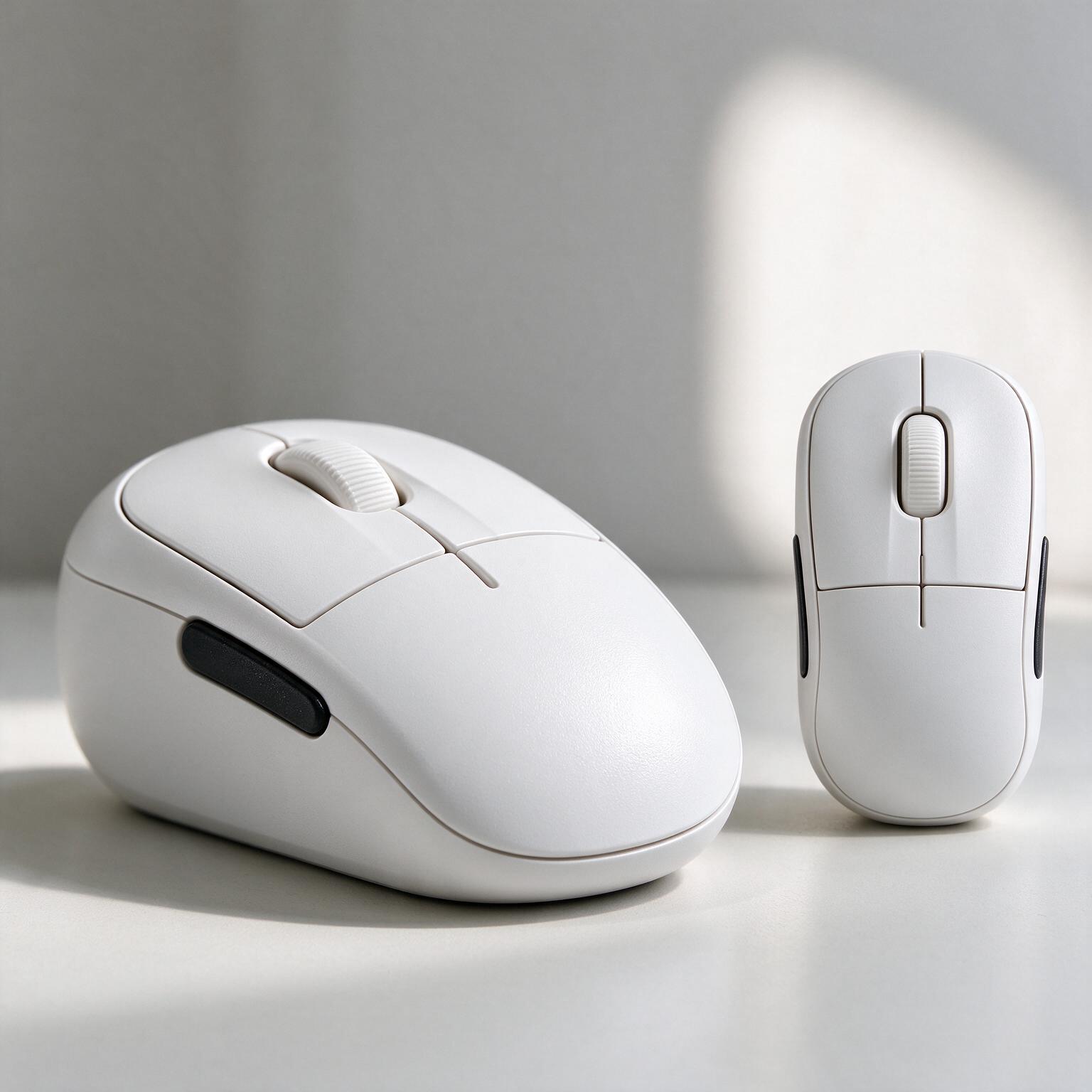
The questions below tend to come up once a team has shortlisted an air mouse remote control and starts writing it into a specification. They live in the gap between "this demo feels nice" and "this is what we order", and a supplier should be able to answer them without reaching for a brochure.
What does an air mouse remote control actually do that a normal remote cannot?
It turns hand movement into a pointer on screen, which removes the need for a grid of directional keys. A conventional remote sends discrete key codes: up, down, left, right, OK. Reaching an item twelve steps away means twelve presses, and the user watches the screen rather than the device. An air mouse pairs a small inertial sensor — typically a six-axis combination of accelerometer and gyroscope — with a radio link, so tilting the remote moves a cursor continuously, the way a mouse does on a desk.
The practical consequence is on-screen keyboard entry and pointer-driven interfaces. If your product runs a smart TV shell, a hotel guest portal, a set-top interface or a PC-style desktop, most of the interaction is pointing and typing, not navigating a fixed menu. That is where the extra cost earns its place. If users only ever walk a menu of six tiles, an ordinary remote is cheaper and more robust, and motion sensing buys you nothing but a support burden.
How accurate is the pointer, and what makes it drift?

Accuracy is good enough for menu work but will never match a mouse on a table, and drift is the reason. An air mouse has no fixed reference surface, so it integrates angular rate over time to work out where it has moved. Small sensor biases and temperature changes accumulate, and the cursor slowly creeps even when the hand is still. Firmware compensates by re-centring when it detects stillness. That is why a good design feels steady and a cheap one wanders.
Two things make drift worse. The first is sensor quality: a part with poor bias stability forces aggressive correction, which shows up as a cursor that jumps back to centre while the user is still moving. The second is the correction logic itself. Too little and the pointer crawls off the corner of the screen; too much and fine positioning near a button becomes impossible. Ask the supplier how re-centring is triggered and whether the sensitivity curve is adjustable in firmware. If they cannot describe the mechanism, they are buying a module and reselling it.
Does it need line of sight, and how far away does it work?
No — radio-based air mice work through a pocket, a bag or a person standing in the way, unlike infrared. That is the main reason the category exists in hospitality and meeting-room deployments, where the remote is often not pointed at anything. Range for a 2.4 GHz link is typically quoted at around 10 metres in open air, and for Bluetooth Class 2 roughly the same. Both figures shrink indoors.
What shrinks them is the environment, not the spec sheet. A hotel room with a plasterboard wall between remote and display is fine. A conference room with a metal lectern, a wall of screens and forty laptops on the same 2.4 GHz band is not. If your deployment has dense Wi-Fi, expect retries and occasional lag on a dongle-based link; a Bluetooth link shares the same crowded band but handles coexistence through its own scheduling. Test in the actual room, not on a bench. Range claims from a datasheet are a starting point for that test, never a substitute for it.
How long does the battery last, and what drains it?
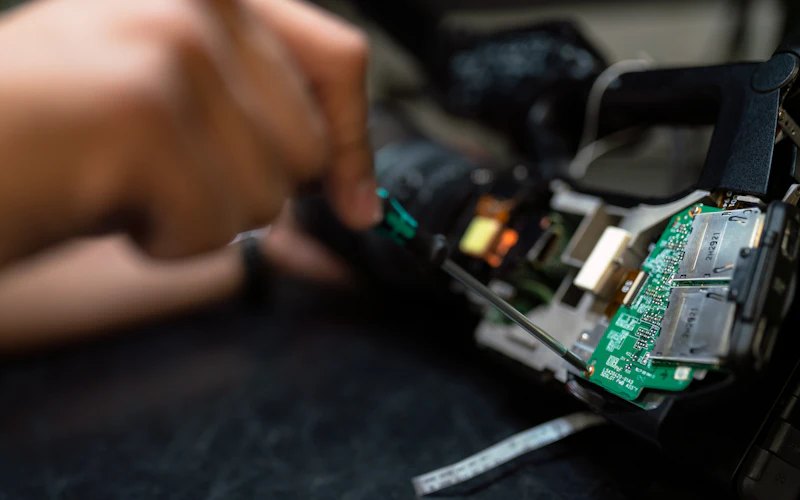
Expect weeks to months on a pair of AA cells for a voice-free air mouse, and days to a few weeks on a rechargeable unit with a backlit keypad. The spread is wide because the load varies enormously between designs. Quoted standby figures of a year or more usually describe a device that is asleep, which is not the state that matters to a guest who picks it up and finds the pointer unresponsive.
The drains, in rough order of impact:
- Motion sensing itself. The inertial sensor must be sampled continuously while awake. A high sample rate improves feel and costs current.
- Radio transmit power. A link pushed to maximum power to survive a difficult room will dominate the budget.
- Backlighting and voice. A lit keypad, or an always-listening microphone for voice search, can multiply consumption several times over.
- Wake behaviour. A device that wakes on the slightest movement spends more time awake in a bag than on a table.
Ask for the sleep current and the active current separately, and ask how the device decides to sleep. Then multiply by your realistic duty cycle. A remote used for two minutes a day and a remote left on a coffee table by a guest who keeps nudging it are different products.
Which wireless technology should I specify — Bluetooth, 2.4 GHz dongle, or both?
Specify Bluetooth if the host is a phone, tablet, smart TV or anything with a native Bluetooth stack and no free USB port; specify a 2.4 GHz dongle if you need it to look like a keyboard and mouse to a host that has no pairing UI. The trade-offs are concrete:
| Bluetooth | 2.4 GHz dongle | |
|---|---|---|
| Pairing | User-visible pairing step, or pre-pairing at the factory | Plug in and it works |
| Host requirement | Bluetooth stack and an OS that supports HID over it | A free USB-A port |
| Port cost | None | One port consumed, dongle can be lost |
| Interference | Coexists with Wi-Fi by design | Shares 2.4 GHz; crowded offices show it |
| Field replacement | Any unit pairs to any host | Dongle and remote are usually matched at manufacture |
A dual-mode design answers both, at the cost of a mode switch the user has to understand — and a support call when they do not. In a hotel that switch should be locked in firmware, not left to the guest.
Will it work with our existing hardware, or does it need a driver or pairing step?
It works without a driver if the host accepts standard HID keyboard and mouse reports, which covers Windows, macOS, Linux, Android and most smart TV platforms. The remote presents itself as a keyboard and a relative pointer, and the operating system already knows what to do with those. No vendor driver, no install.
The exceptions are where projects get delayed. Some embedded set-top platforms strip HID support or handle relative mouse input badly. Some Android TV builds need an on-screen pairing dialogue that a kiosk deployment has hidden. And a few industrial hosts lock USB enumeration to approved vendor IDs. Confirm the host behaviour with a sample before you commit to a tooling order — a two-week sample round is cheap next to a mould and a certification run.
What should we budget per unit, and where does the cost go?
Treat unit price as a range that moves with three things: sensor grade, radio solution and mechanical build. A basic air mouse with a commodity six-axis part and a single-mode dongle sits at the low end. A dual-mode unit with a better sensor, a metal or over-moulded body, backlighting and custom key legends sits materially higher. Volume moves the number as well, and tooling is a one-off on top.
The cost is not spread evenly. The inertial sensor and its calibration are a small share of the bill but a large share of how the product feels. The radio module and any certification work are a fixed cost per design. The enclosure is where projects overspend: a custom tooled shell with a soft-touch finish can cost more than the electronics inside it. If your volumes are modest, a modified standard shell with custom legends and colour gets you most of the brand value for a fraction of the tooling.
For a quote against your own specification, send the requirement to peter.sun@serow-tech.com; replies come back within one working day.
How do these units fail in the field, and what does support look like?
Most field failures are mechanical or firmware-related, not radio failures. The common patterns:
- Cursor drift that users describe as "it has a mind of its own". Usually a sensor calibration issue or a firmware re-centring threshold set too tight.
- Lost dongles. In any deployment where the dongle is not captive, a percentage go missing and the whole remote becomes scrap unless spares are stocked.
- Battery contacts and drop damage. Guests drop remotes. A shell that survives a two-metre fall onto tile is a design decision, not a given.
- Pairing loss after a host firmware update. Bluetooth remotes can be unpaired by a TV update, which turns into a site visit if nobody documented the re-pair steps.
- Key legend wear. Printed legends on a high-touch surface rub through. Laser-etched or double-shot keys cost more and last longer.
Support terms should cover firmware changes for issues like drift thresholds and wake sensitivity, spares for dongles and shells, and a documented re-pair procedure your front desk or installers can follow. Ask what the supplier's process is for a firmware fix across an installed base — over-the-air is rarely available on a remote, so it is usually a replacement programme, and that needs to be priced in advance.
What buyers tend to overlook
The specification usually describes the remote. What determines whether the project succeeds is everything around it: how the host behaves, how the unit is paired in the room, and what happens on day 400 when a guest drops it.
Three things surface after deployment more often than buyers expect. First, the re-centring behaviour of the pointer is the single biggest driver of user complaints, and it is a firmware setting nobody puts in a spec. Second, the dongle or pairing model has to match how the site is operated, not how the demo was run — a hotel with 200 rooms needs a documented re-pair procedure and a box of spares, not a support ticket to Shenzhen. Third, the legend and finish on a high-touch surface decide how the product looks in year two, and that is a tooling decision made early and expensively reversed.
Serow Controls has built remote controls as an ODM from Shenzhen since 2014. If you are writing an air mouse remote control into a specification, the useful first step is a written requirement — host platform, room environment, expected duty cycle, volume — rather than a sample request.
More from the newsroom
Keep reading.
Three other notes from the same team.
Start a project
Send the control target, not a catalogue request.
Tell us what the remote has to control, which radio the installed base uses, and where it ships. We will reply with the questions that decide the architecture.